Stop procrastinating.
Earn your screen time.
Proc keeps your distracting apps locked until you've actually made progress on your assignments. No honor system, no faking it.
 Start with a 3-day free trial.
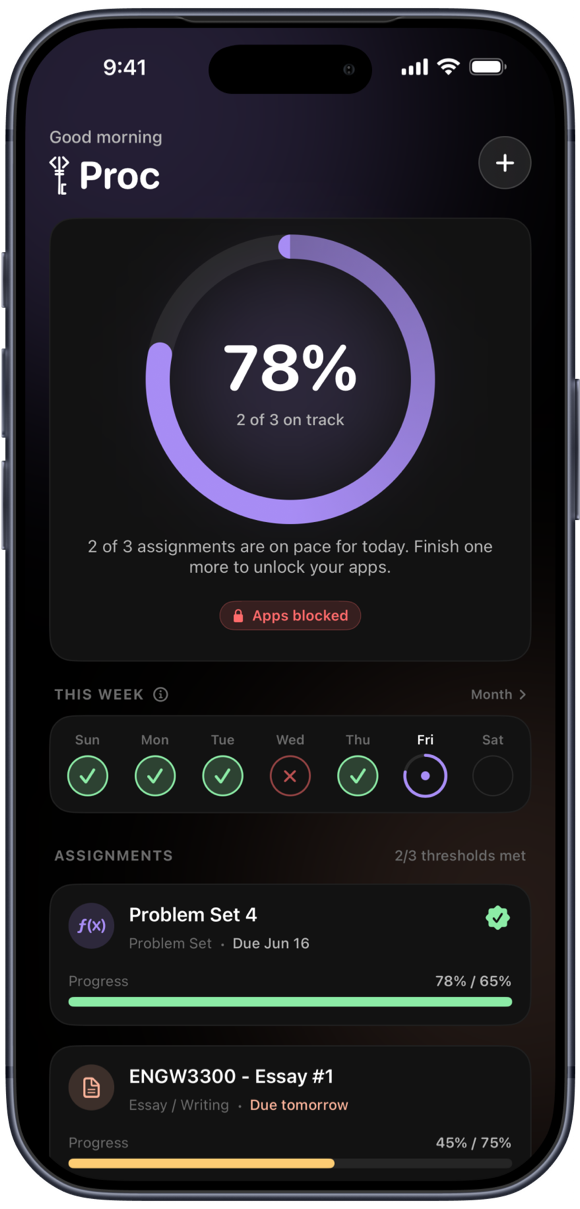
What's inside Proc
Tap a feature to see it in the app.
How Proc works
Four steps from "I'll study later" to "I studied."
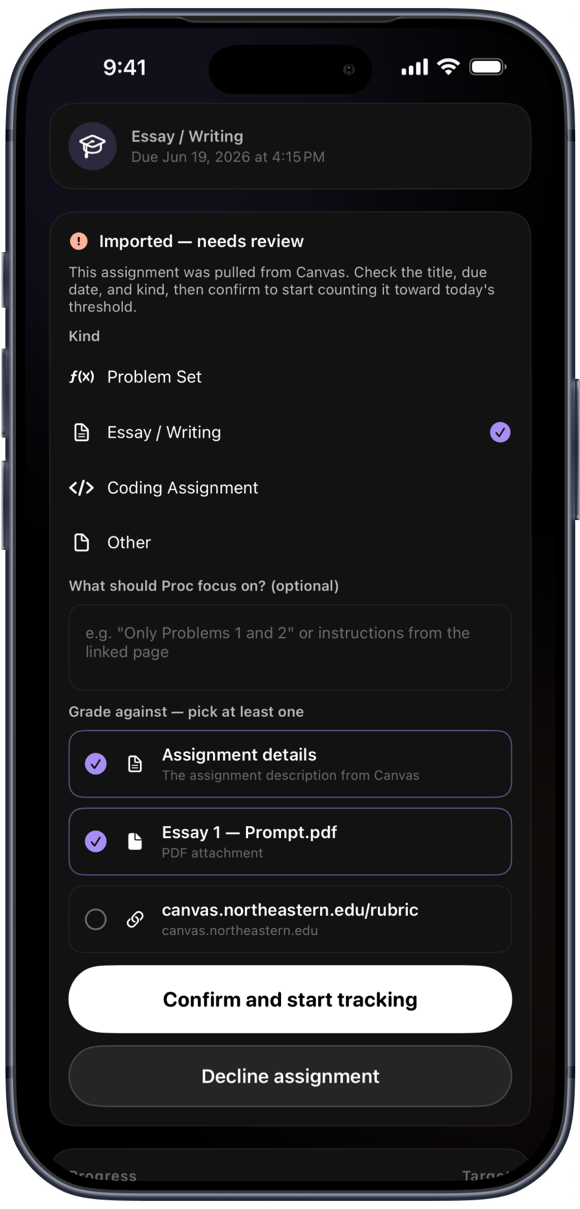
Add your assignments
Type them in or import them straight from Canvas.
Choose what to block
Instagram, TikTok, games, or whatever else derails you.
Do the work and submit
Proc scores how complete your submission is against the assignment.
Hit your goal, unlock your apps
Reach your daily target and your apps unlock. Fall behind and they stay locked.
Why Proc
A blocker that actually knows whether you did the work.
Earned, not self-reported
Unlocking is tied to real progress, so the reward actually means something.
No willpower required
The block does the discipline for you. You just do the next assignment.
Built for real coursework
Canvas due dates, multi-day assignments, and a pace that fits your week.
Private by design
Most data stays on your device. No analytics or ad SDKs, no cross-app tracking.
Hard to cheat, easy to ease in
Tightening your blocking is instant; loosening it takes a cooling-off period.
Free 3-day trial
Try the whole thing before you commit. $5.99/mo or $49.99/yr after.
How Proc is different
Other tools lock apps or list tasks. Proc checks whether the work actually happened.
| Proc | Typical app blockers | To-do apps | |
|---|---|---|---|
| Blocks the apps that distract you | ✓Yes | ✓Yes | ✕No |
| Unlocks only when your work is verified, not a timer | ✓Yes | ✕No | ✕No |
| Reads and scores your real submission | ✓Yes | ✕No | ✕No |
| Imports real due dates from your school | ✓Yes | ✕No | ~Limited |
| Turns finished work into earned screen time | ✓Yes | ~Limited | ✕No |
| Anonymous view of how your class is pacing | ✓Yes | ✕No | ✕No |
✓ built in · ~ limited · ✕ not offered
Need a hand?
Questions, bugs, or feature ideas? We read every message.
Email support@theprocapp.comCommon questions
How does Proc decide my progress?
When you submit your work, Proc has it graded for how much of the assignment you've genuinely covered. Your apps unlock as you hit each day's target. There's no way to fake it by just marking things done.
How do I connect Canvas?
Open Settings → Canvas integration, search for your school, and paste a Canvas access token (Canvas → Account → Settings → New Access Token). Your token is stored encrypted and never shared.
How do I manage or cancel my subscription?
Subscriptions are handled by Apple. On your iPhone: Settings → tap your name → Subscriptions → Proc. You can change or cancel there anytime.
How do I delete my account or data?
Most of your data lives only on your device, so deleting the app removes it. To delete your account, use Settings → Account → Delete account in the app, or email us above.
Stop doomscrolling your deadlines away.
Get Proc and earn your screen time back.